Car Photo Editing for Dealers: 5 Edits That Make Listings Sell Faster
October 21, 2026 · Dealer Guides
Buyers judge your cars by their photos long before they call. These five professional edits turn ordinary lot photos into listing photos that earn more clicks, enquiries and sales.
Key takeaways
- Buyers judge a listing by its photos within seconds — clean, bright and consistent images earn more clicks and enquiries.
- Background removal plus a reflection shadow gives any car a studio look, even when the photo was taken on a busy lot.
- Retouching and color correction make the car look its true best: correct paint color, clean bodywork, no filters or surprises.
- Editing costs from $0.19–$0.69 per photo with volume discounts up to 20% — and your first trial edits are free.
Why your photos are doing the selling
Almost every car buyer starts online, and a listing gets only a few seconds of attention while they scroll. In those seconds the photos do all the talking: a bright, clean, consistent set of images says "this dealer is professional and this car is worth a look", while dark, cluttered lot photos quietly push the same car into the background.
The good news is that the gap between an average lot photo and a listing photo that sells is not the camera — it is the editing. Below are the five edits that make the biggest difference, shown with real before-and-after examples from our studio. Move your mouse over each photo (or drag the slider) to compare.
1. Complete dealer photo editing
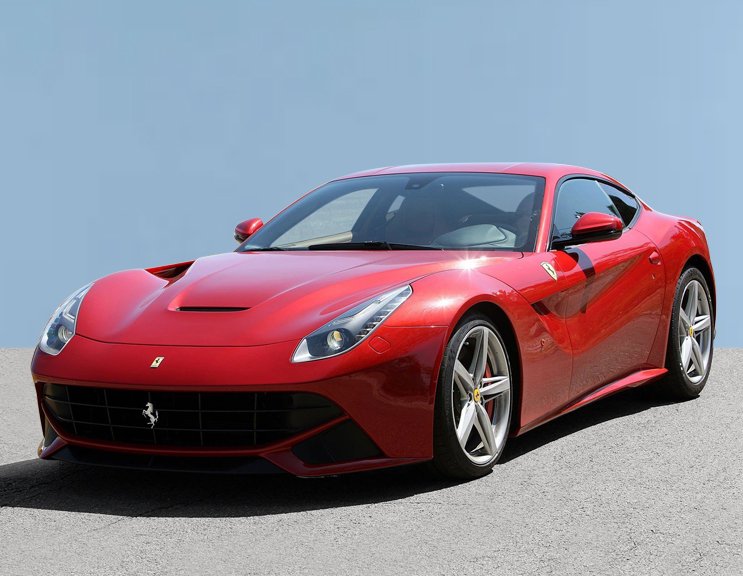
A full dealer photo edit is the complete treatment: the car is cut out cleanly, distractions are removed, light and color are balanced, the image is straightened and cropped to marketplace size, and your branding can be applied. Every listing ends up looking like it was shot in the same studio session — because consistency across your inventory is what makes a dealership look established.
Full dealer edit — hover or drag to compare
 BEFORE
AFTER
BEFORE
AFTER
Drag the slider or move your mouse over the image to compare.
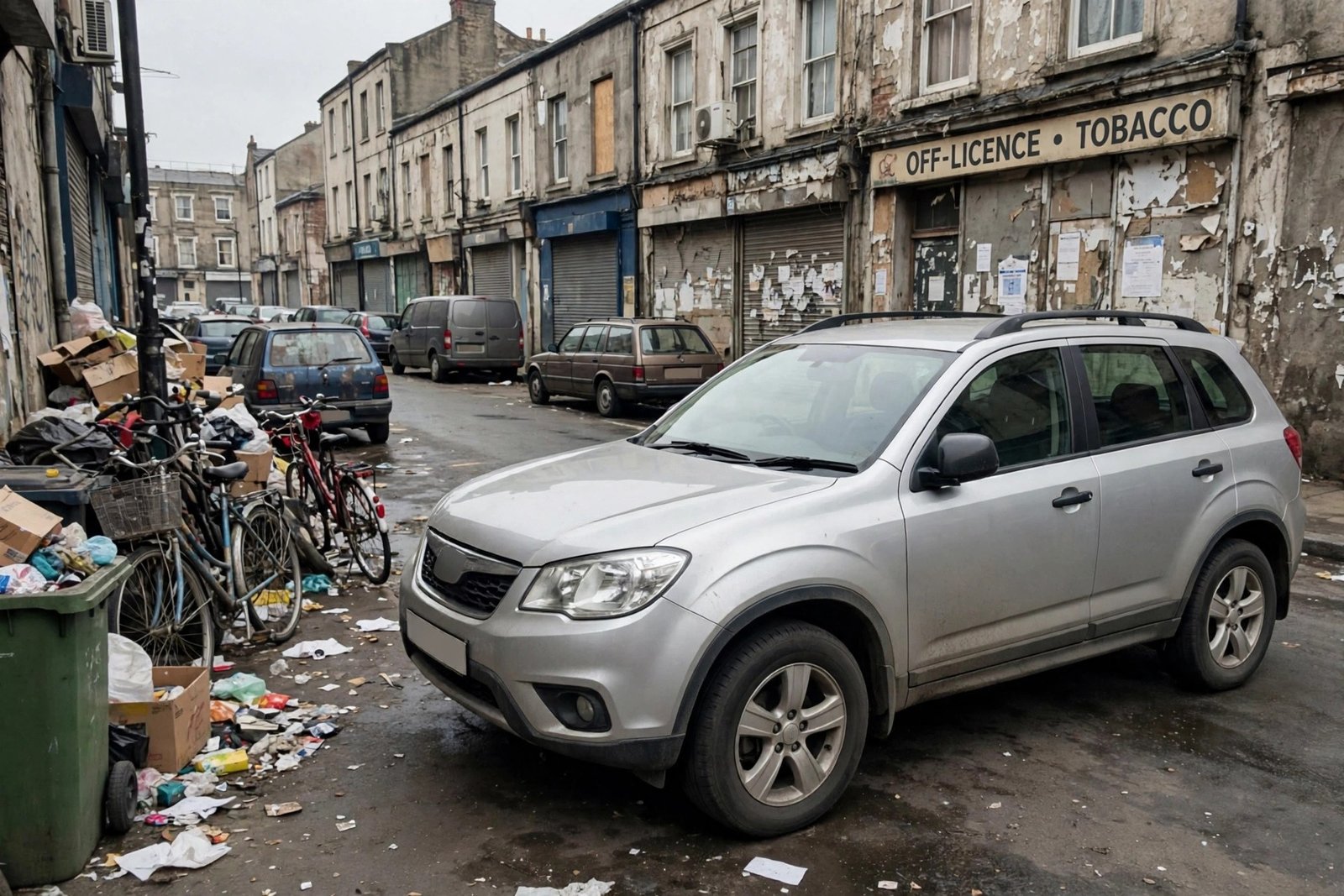
2. Background removal and replacement
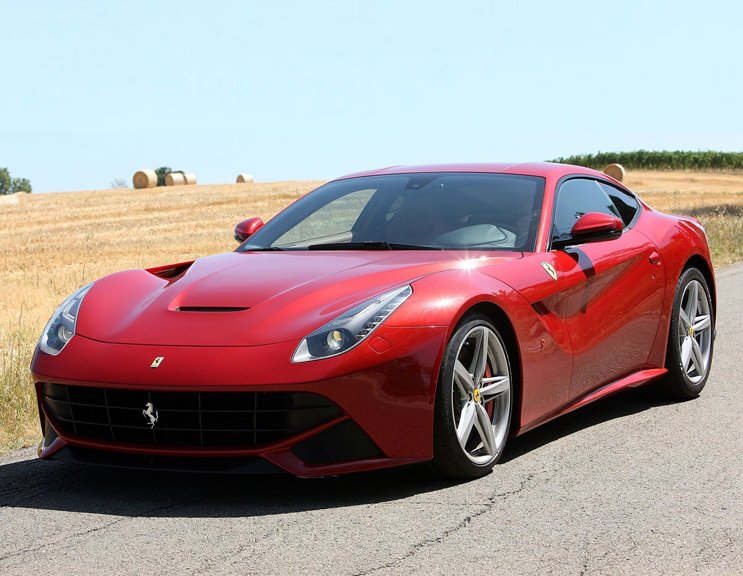
Other cars, buildings, signs and messy yards steal attention from the car you are selling. With background removal and replacement, the car is placed on a clean studio-style or branded background, so every listing in your inventory has the same premium look — no matter where the photo was taken.
Background replacement — hover or drag to compare
 BEFORE
AFTER
BEFORE
AFTER
Drag the slider or move your mouse over the image to compare.
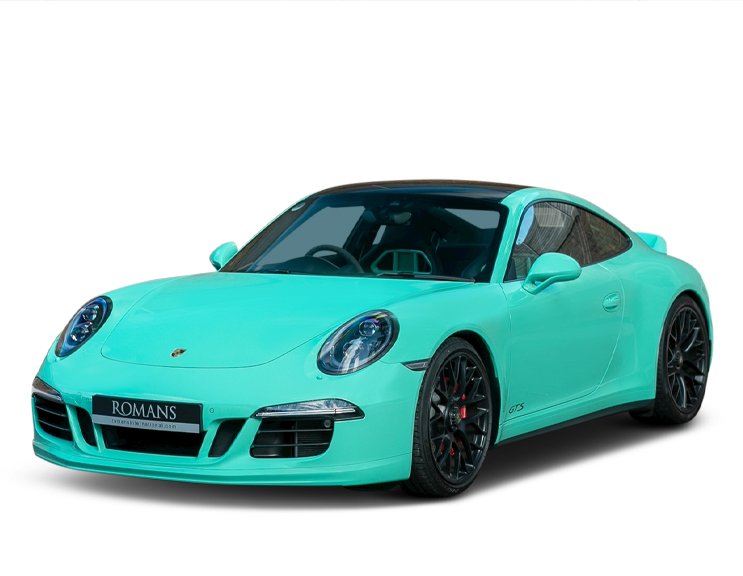
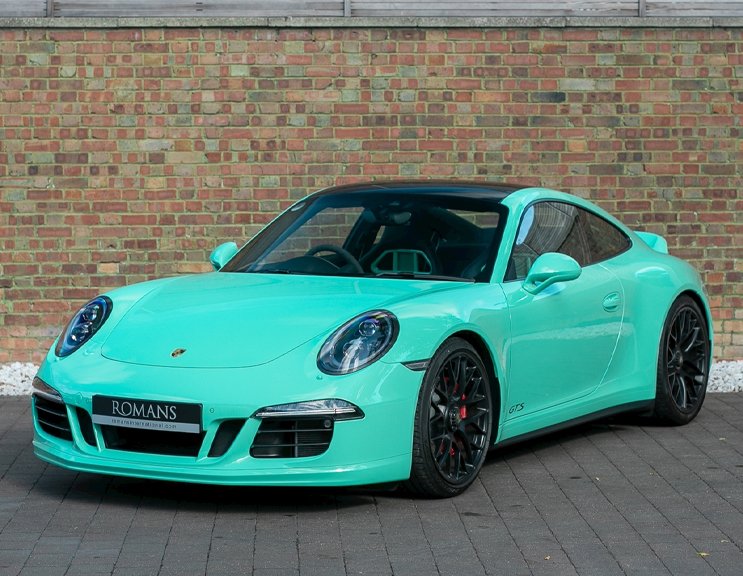
3. Retouching that makes the car look its best
Dust, water spots, harsh reflections on the paint, a dirty tyre wall — small flaws read as "tired car" in a photo even when the car is excellent in person. Professional retouching cleans the bodywork, glass and wheels and restores that just-detailed shine, honestly: the car looks its true best, not filtered into something it is not.
Retouching — hover or drag to compare
 BEFORE
AFTER
BEFORE
AFTER
Drag the slider or move your mouse over the image to compare.
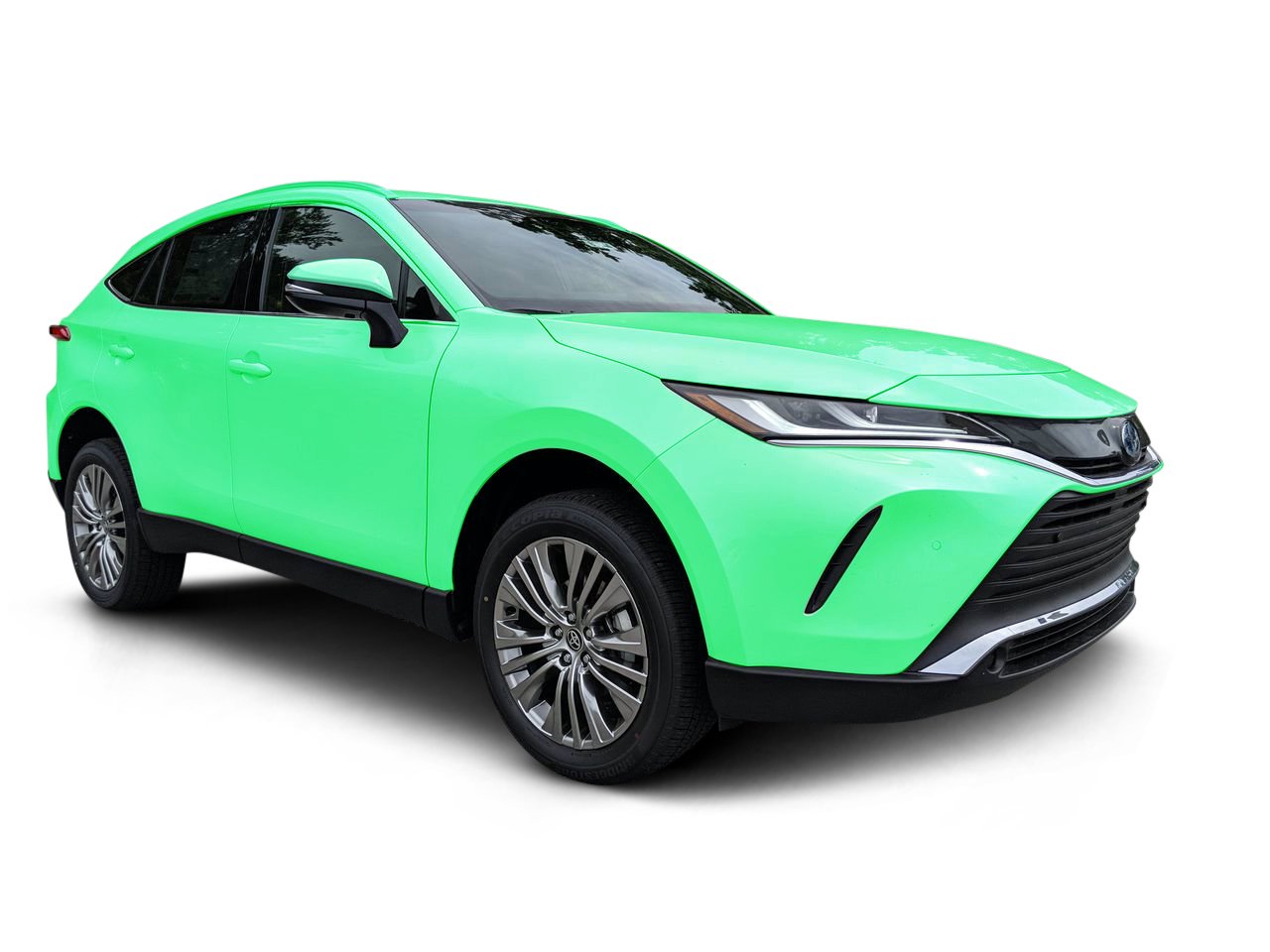
4. Color and lighting correction
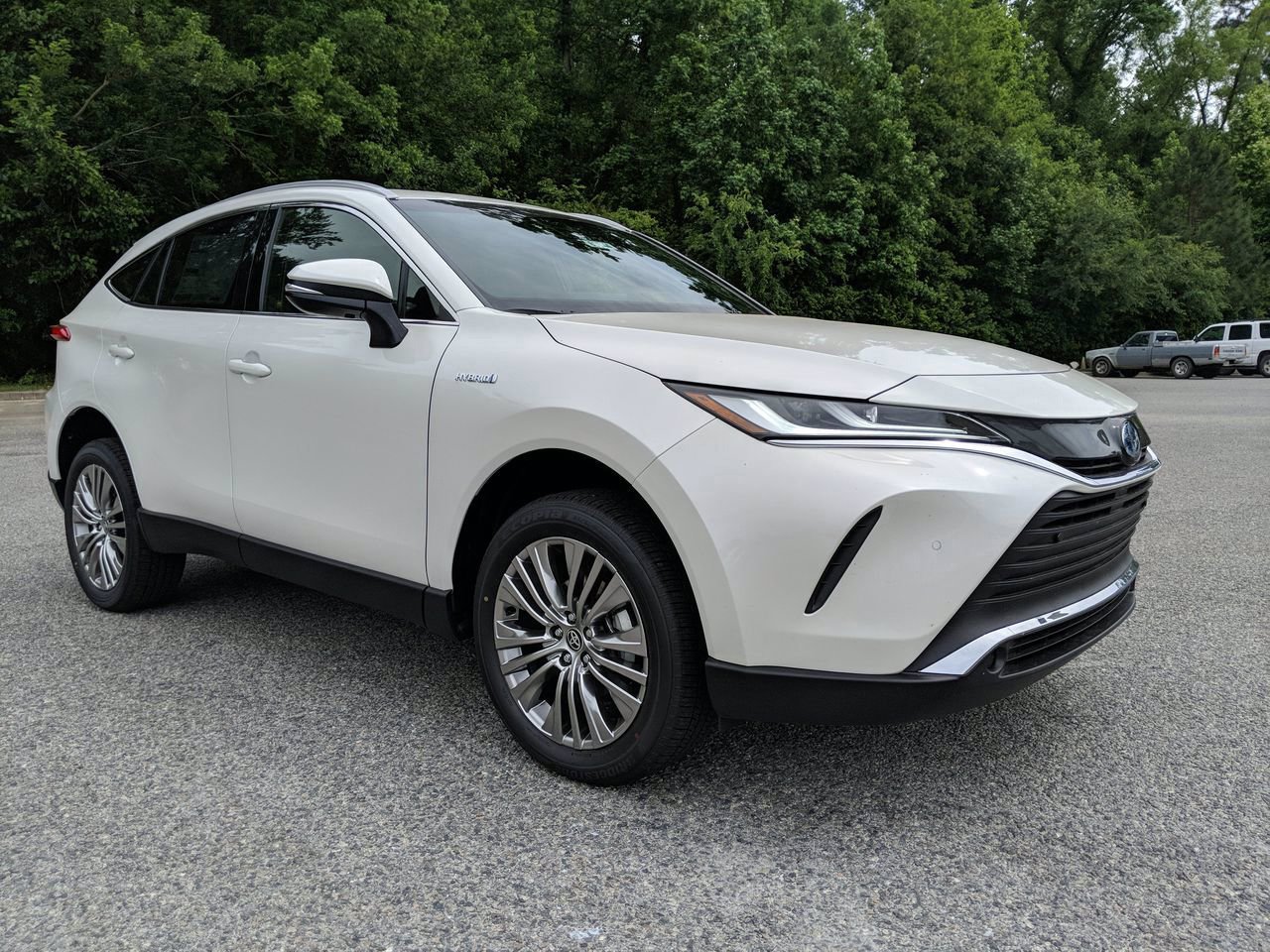
Photos taken at noon, at dusk and under showroom lights all come out different — orange casts, dull paint, blown-out skies. Color correction and lighting correction bring every photo back to true, vivid color: the red is the car's real red, the white is white, and the whole set matches from the first photo to the last.
Color correction — hover or drag to compare
 BEFORE
AFTER
BEFORE
AFTER
Drag the slider or move your mouse over the image to compare.
5. Reflection shadow for a studio finish
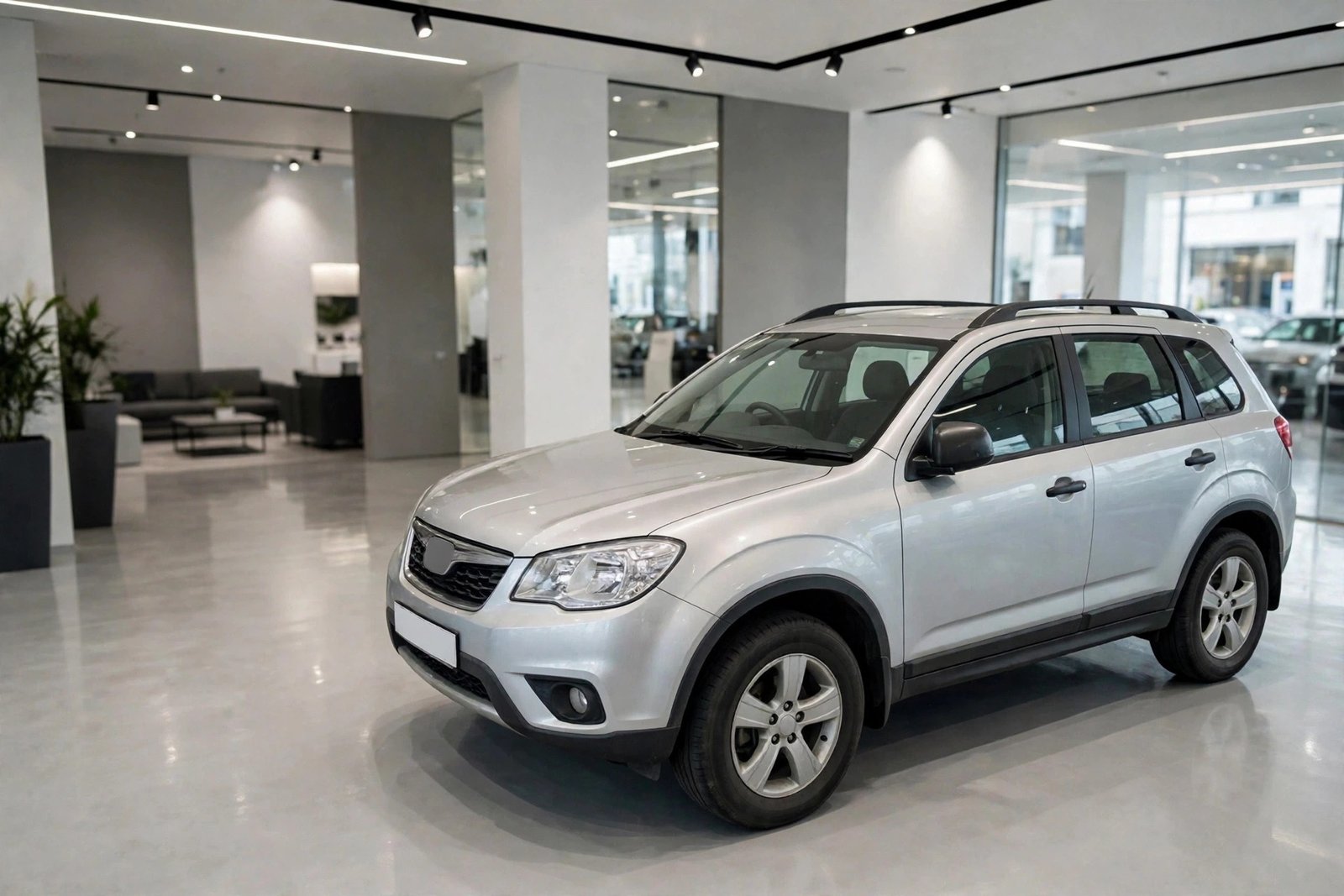
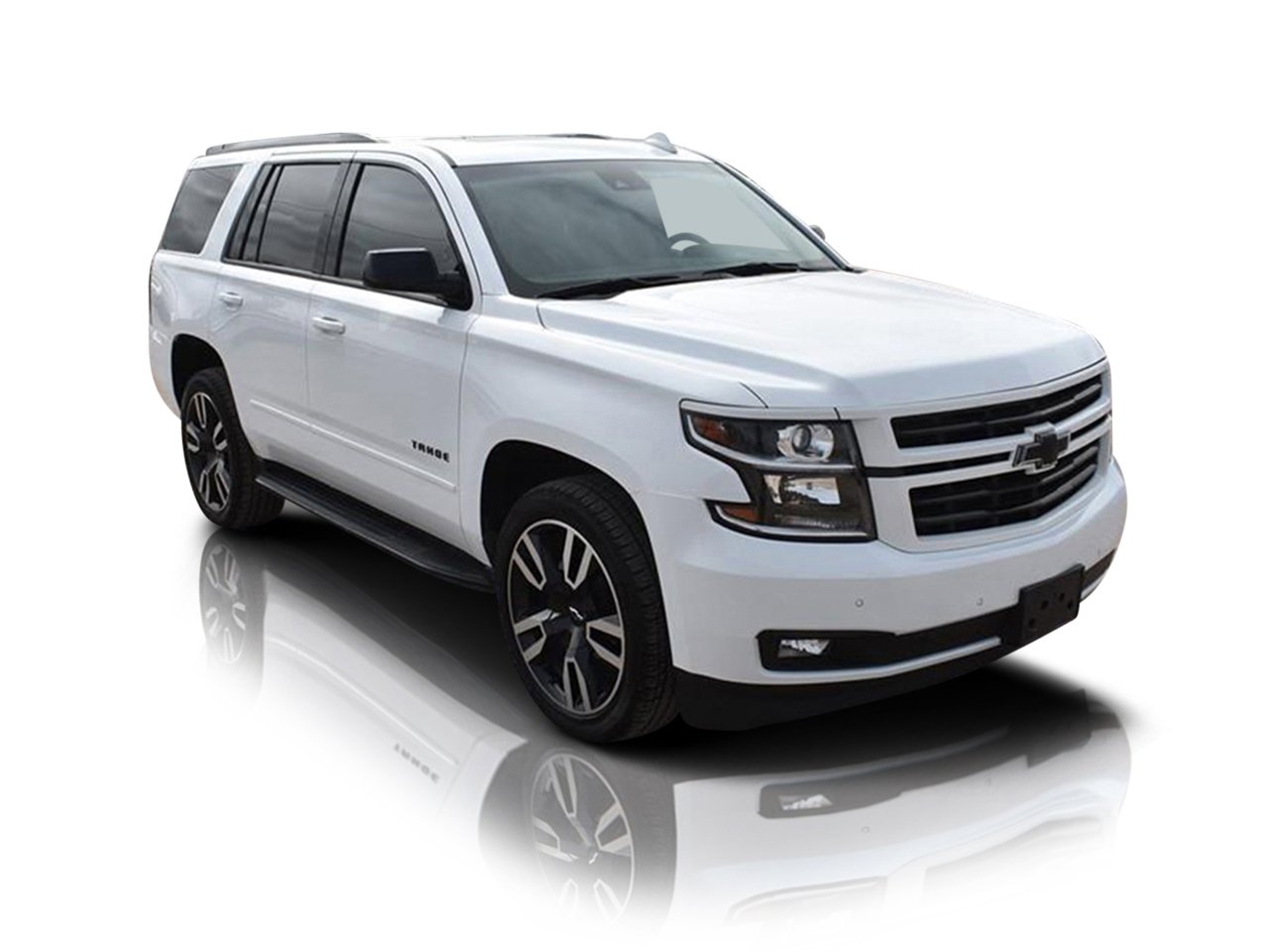
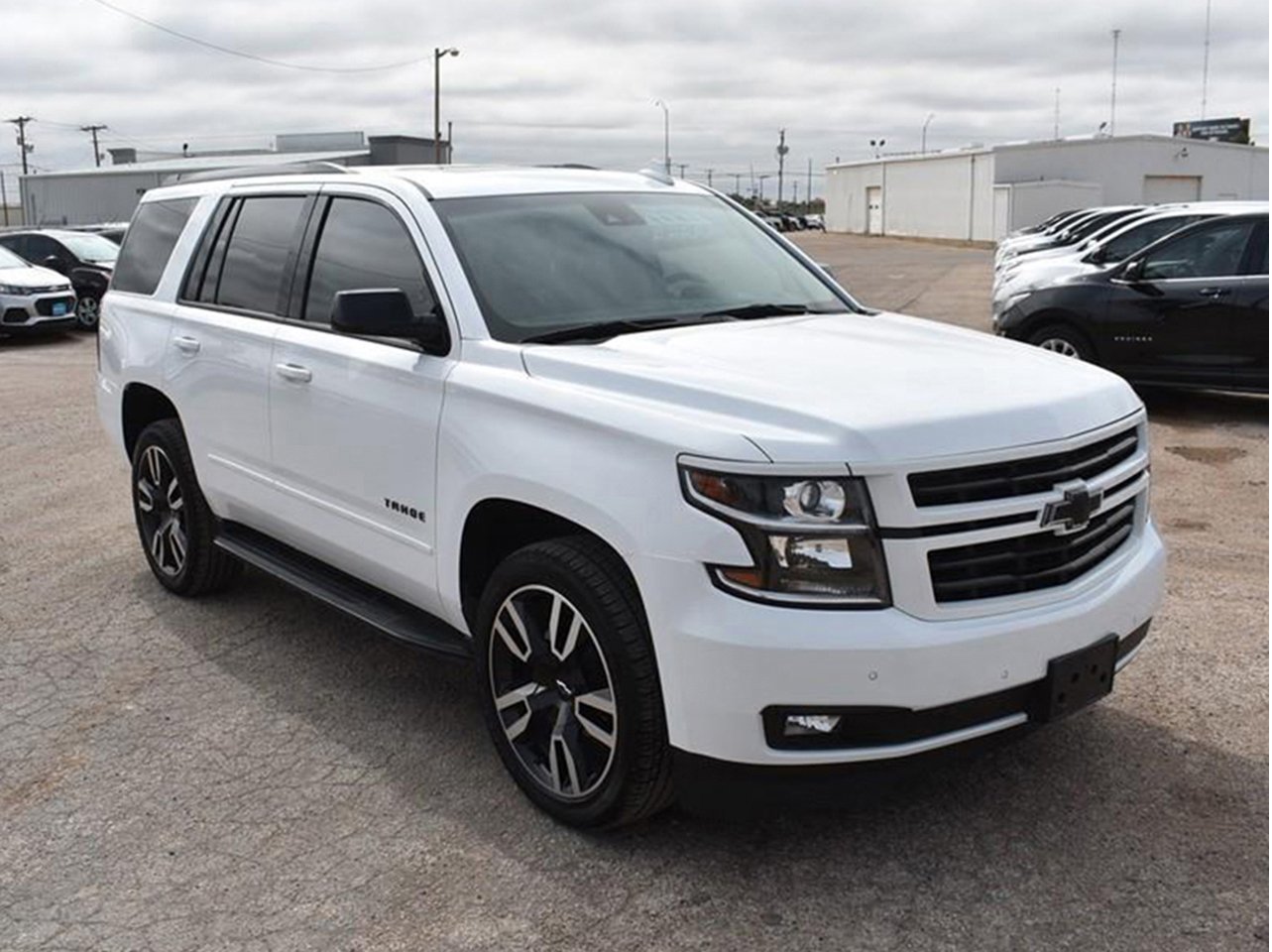
The final touch that separates amateur edits from showroom images is the ground. A natural reflection shadow anchors the car to the floor with a soft mirror reflection, exactly like a studio photograph. It is a small detail buyers cannot name — but it is a big part of why edited listings simply look more expensive.
Reflection shadow — hover or drag to compare
 BEFORE
AFTER
BEFORE
AFTER
Drag the slider or move your mouse over the image to compare.
What it costs — and how to try it free
Professional editing is priced per photo, not per hour: most services run from $0.19 to $0.69 per image, with automatic volume discounts of 10% on 100+ photos and 20% on 500+. You can see every price up front on our pricing page and use the instant estimator on the homepage — no quote-and-wait games.
The easiest way to judge the difference is on your own inventory. Send us a few of your real listing photos through the free trial and compare the results side by side — exactly like the photos above.
See the difference on your own cars — free
Upload a few listing photos (or paste a Drive/Dropbox link) and we will edit them free, so you can compare before you spend anything.
Start Your Free TrialDealer photo editing — common questions
Can you match the style of my existing listings?
Yes. Send us one edited photo you like — or pick from our examples — and we save it as your style profile. Every future order is edited to the same background, crop, shadow and branding, so your whole inventory always matches.
How do I send my photos?
Upload them in your client account, or simply paste a Google Drive or Dropbox link and tell us how many images it contains. Edited photos are delivered back the same way — as files or as a download link.
How much does dealer photo editing cost?
Per image, depending on the service: background removal is $0.69, a full dealer edit $0.59, retouching $0.50 and resizing just $0.19 — with 10% off orders of 100+ images and 20% off 500+. Your first trial edits are free.