
Spare Parts Photo Editing: A Seller's Guide to Catalogue-Ready Photos
October 31, 2026 · Parts Photo Guides
A parts buyer cannot pick the item up, so your photo has to do the inspecting for them. This guide shows what makes a spare parts photo trustworthy — clean backgrounds, true colour, readable labels — and what editing costs.
Key takeaways
- A parts buyer inspects through the photo alone, so clarity matters more than style: every connector, label, thread and sign of wear must be easy to see at full zoom.
- A clean, consistent background across a catalogue makes parts look organised and cared for, and helps buyers compare items without distraction.
- Honest editing cleans, corrects and sharpens — it never hides wear, damage or defects, because a hidden flaw becomes a return.
- Spare parts photo editing from $0.59/image and background removal from $0.49/image, with volume discounts up to 10% and standard 24-hour turnaround — and your first trial edits are free.
Why parts buyers buy with their eyes
A car buyer can walk around a vehicle and sit inside before deciding. A parts buyer gets none of that. They cannot pick the item up, turn it over, feel a thread or read a worn label with their own hands. The photograph is the only inspection they get, and they judge it closely, sceptically, and detail by detail.
That changes what a good parts photo has to do. A whole-car photo mainly has to look appealing; a parts photo has to be evidence. The buyer checks specific things — the shape of a connector, the condition of a mounting point, whether a part number matches their old unit, whether the wear matches the description. If any detail is hidden by a cluttered bench, washed out by harsh light or blurred by a careless resize, the buyer does not assume the best. They move on to a listing where they can see clearly.
Spare parts photo editing closes that gap between an ordinary workshop snapshot and a photograph a stranger can trust enough to buy from. Done well, it cleans up the background, corrects colour and light so the part looks like itself, and sharpens the details buyers zoom in on — without changing the part or hiding its condition. This guide explains that standard, how to shoot parts so editing can do its best work, and what it costs, with real before-and-after examples. Hover over each photo (or drag the slider) to compare.
The photo is the inspection
Imagine buying a used part online. You open a listing for a headlamp, an alloy wheel or a control module, and before reading the description properly, you zoom in. You check the lens for cracks, the rim for kerb marks, the connector pins for corrosion, the label for the exact part number. You are not admiring the photograph; you are interrogating it.
That is why parts photography punishes shortcuts that whole-car photography forgives. A busy background competes with the outline of the part and makes small features harder to pick out. A colour cast from workshop strip lights makes a buyer unsure whether a trim is grey or faded black. A soft, low-resolution image reads as a seller with something to hide, even when the part itself is perfectly good.
Good editing answers each doubt in turn. It removes the bench, boxes and hands from around the part so the outline is unmistakable. It restores true colour so the part on screen matches the part in the parcel. It sharpens labels and cast markings so they can be read rather than guessed at. And it leaves wear visible and honestly shown, because a buyer who discovers a flaw on delivery that the photo hid will not buy from that seller again.
What a catalogue-ready parts photo looks like
A catalogue-ready parts photo has a recognisable look, worth describing plainly so you can judge your own listings against it. First, the part fills the frame comfortably, with a small margin all round, and nothing important is clipped — no cut-off connector, no half-hidden mounting lug. Second, the background is calm and consistent: the same clean ground behind every part, so a buyer browsing your listings sees one organised seller, not a dozen different workshops.
Third, the light is even and honest — no deep shadows swallowing one side, no blown-out highlights erasing detail on chrome, no colour cast tinting everything yellow or blue. Fourth, the part itself is clean in the photograph — dust, fingerprints and bench marks removed — while its real condition stays plainly visible. A scratch, wear mark or corrosion: all still there, simply easier to see.
Finally, the file is fit for where it will live. A photo cropped or squeezed to fit a template stops being trustworthy — a stretched gasket is a wrong gasket. Catalogue-ready means the part is shown at true proportion, sharp at full zoom, and delivered in the sizes each channel needs.
From workshop bench to catalogue-ready
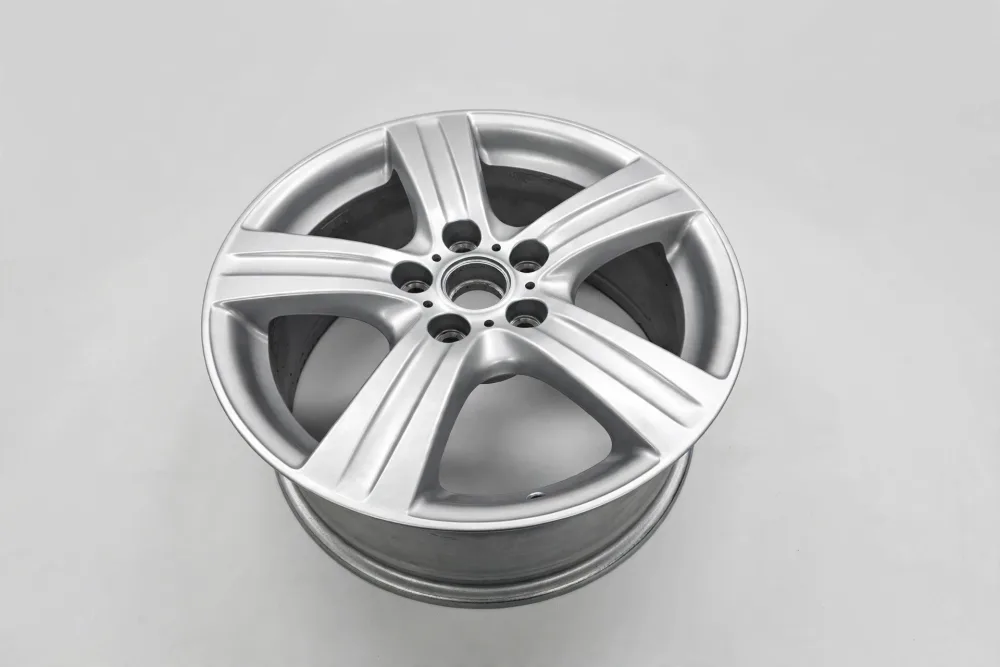
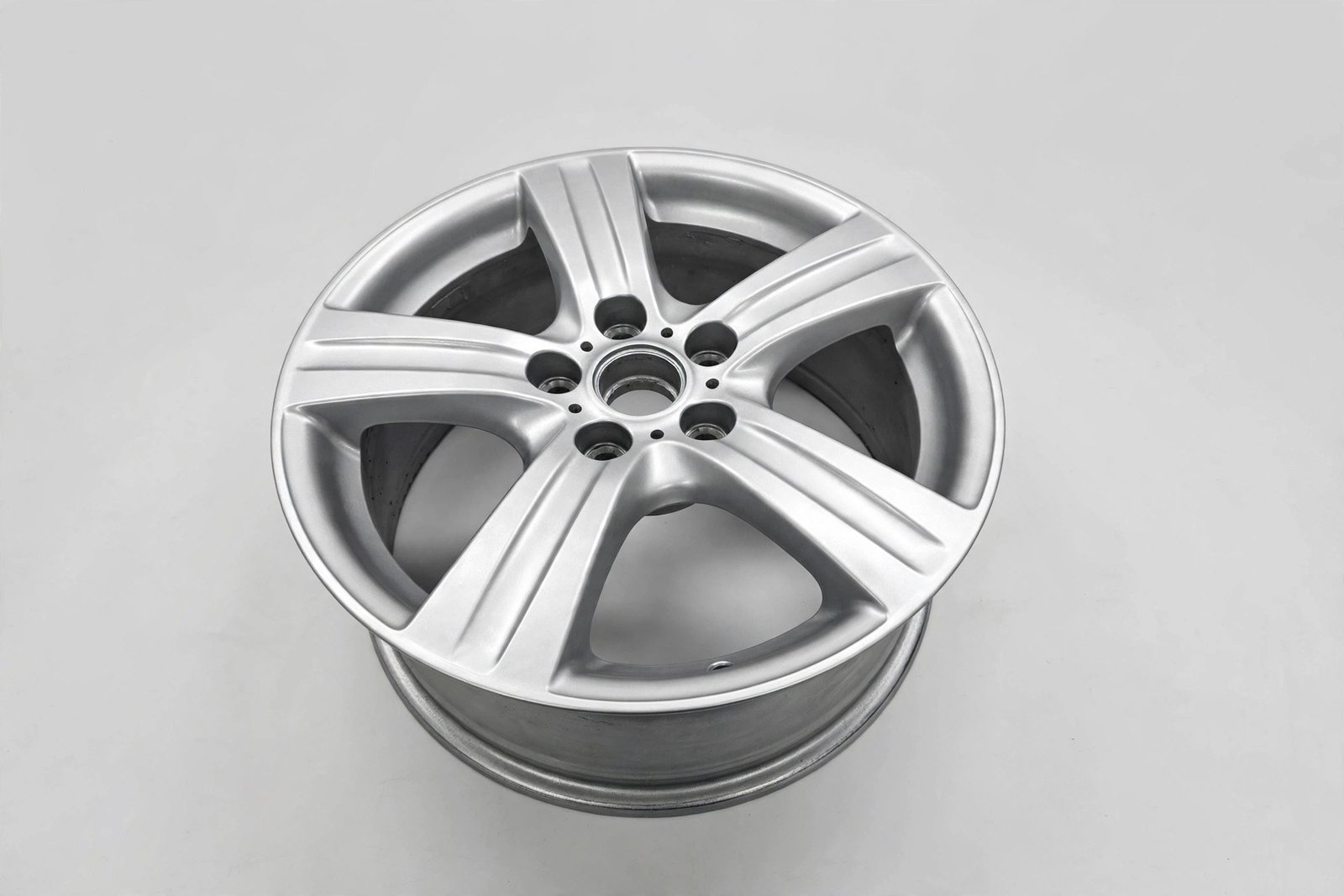
 BEFORE
AFTER
BEFORE
AFTER
Drag the slider or move your mouse over the image to compare.
Backgrounds: pure white, transparent, or kept original?
For parts, the background decision matters more than for whole cars, because the background is usually the messiest part of the original photo: a workbench, a shelf, a cardboard box, a hand holding the part up to the light. There are three honest answers, and the right one depends on where the photo will be used.
Pure white is the catalogue standard, and for most parts sellers it is the right default. A part cut out cleanly and placed on even white looks organised and professional, matches the look buyers expect from established parts stores, and meets the clean-image expectations of major marketplaces. It also makes comparison easy: a buyer flipping between your listings sees the parts, not the benches they were photographed on.
A transparent background is the same careful cutout with nothing behind it at all, delivered ready to drop onto any design. Choose it when your own website, banners or printed catalogue carry branded backgrounds the part needs to sit inside, or when a marketplace applies its own background as you upload. Many sellers order both versions from the same cutout — white for marketplaces, transparent for their own shop — and that is easy to arrange when you order, because both come from the same hand-drawn outline.
The third option is to keep the original background, cleaned up. That suits parts where context helps a buyer judge size or fitment, or where a seller simply prefers a natural look. What matters in every case is that the choice is deliberate and consistent across the catalogue: one background style, applied to everything, is what turns a collection of snapshots into a shop a buyer trusts.
Angles, labels and scale: the details buyers zoom in on
A single hero shot is never enough for a part. Photograph every face that carries information: every connector face, every mounting point, every label and part number, both sides where the part is not symmetrical, and any area where wear or damage is described. If the description mentions a mark, the photo set should show that mark plainly — a buyer who has to ask for a photo of it has already started to doubt the listing.
Labels deserve special attention. Part numbers, specification stickers and cast markings are often the whole reason a buyer chooses one listing over another, because they prove fitment in a way a general description cannot. Send original, full-resolution files: a photo forwarded through a messaging app or saved as a screenshot quietly shrinks and softens the fine print before an editor ever sees it. A good edit sharpens labels back to legibility, but it cannot invent detail that was never captured.
Scale is the other detail sellers forget. A part photographed alone, with no reference, can look any size at all. Where dimensions matter — brackets, hoses, trim pieces, fasteners — include a size reference in at least one frame, or state the measurements clearly alongside the photos, and never stretch an image to fill a template. A part shown at true proportion, with its labels readable and its mounting points visible, answers the buyer's questions before they are asked, and that is what turns browsing into buying.
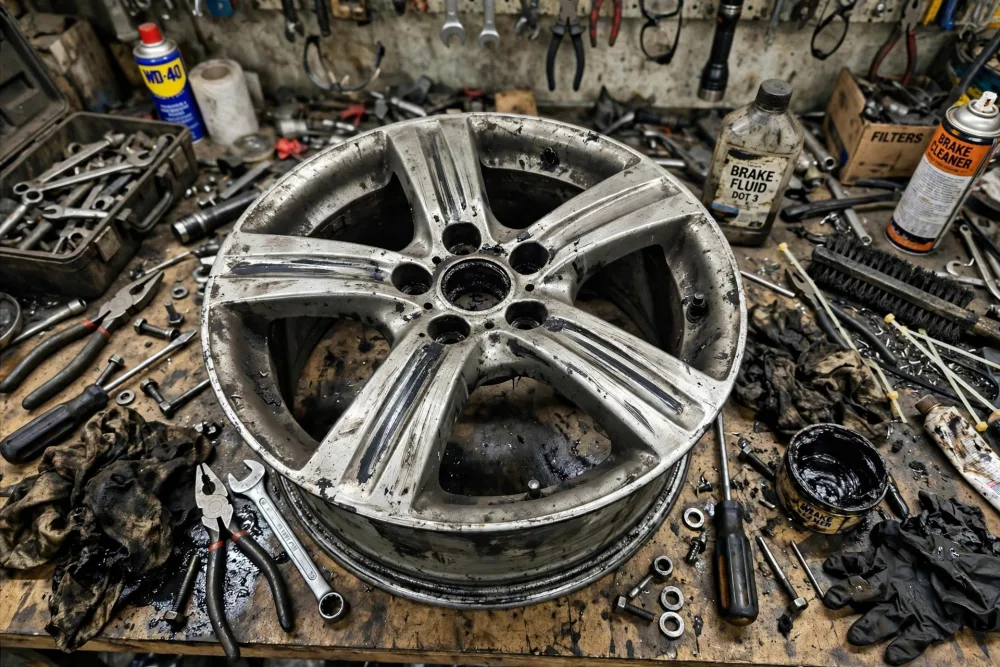
Same part, bench clutter removed

 BEFORE
AFTER
BEFORE
AFTER
Drag the slider or move your mouse over the image to compare.
Shooting parts well before editing
Good editing starts with a usable photograph, and parts reward a few simple habits more than expensive equipment does. Use daylight or even, diffused light where you can: an overcast moment near a large window, or open shade, avoids the harsh reflections and deep shadows that make chrome difficult under a single workshop bulb. If you must shoot under workshop lights, keep the light even and avoid mixing sources, which tint different sides of the part different colours.
Leave space around the part and keep the whole of it in frame, including connectors and lugs — an editor can clean up a background, but cannot convincingly invent a connector cropped out of the original shot. Wipe the part down first: a quick clean means the editor spends time on details that matter rather than on grime. And photograph the part as it is, wear and all. A seller who shows wear honestly earns more trust than one whose photos look suspiciously perfect.
None of this needs a studio. A plain surface, decent light, a steady hand and original-resolution files are enough, and ordinary workshop photos taken this way are what parts editing is built for. If a photo has a real problem — heavy blur, or a part half-hidden behind another item — an honest editor will say so rather than return something that looks wrong.
What spare parts photo editing costs
Like all our editing, spare parts photo editing is priced per photo, not per hour: from $0.59 per image, with spare parts background removal from $0.49 per image and spare parts retouching and colour correction from $0.59 per image. Volume discounts apply automatically — 5% off orders of 100+ photos and 10% off 500+ — which is where catalogue batches benefit most, and standard turnaround is 24 hours for typical batches, so a batch photographed today can be live tomorrow.
The easiest way to judge the difference is on your own stock. Send us a few of your real parts photos through the free trial and compare the results side by side — like the photos above — checking the labels at full zoom. That is where this service earns its keep.
See your own parts transformed — free.
Upload a few of your parts photos (or paste a Drive/Dropbox link) and we will edit them free, so you can judge the difference on your own catalogue before spending anything. No card, no commitment.
Start free trialSpare parts photo editing — common questions
Will editing hide wear or damage on a used part?
No — and it should never do so. Editing removes dust, glare and background clutter, corrects colour and sharpens detail, but wear, scratches, corrosion and defects stay visible and are shown more clearly, not less. A hidden flaw becomes a return, so honest editing protects the seller as much as the buyer.
Should I choose a white or a transparent background for my parts?
Pure white suits marketplaces and printed catalogues and is the safest default. Transparent suits your own website and design work, where the part needs to sit inside a branded layout. Many sellers order both from the same cutout — white for marketplaces, transparent for their own shop — so mention it when you order and the set is prepared the way you will actually use it.
What do you need from me to start?
Just the photos. Upload them in your client account, or paste a Google Drive or Dropbox link and tell us how many images it contains. Tell us the background style you want (or leave it to us), and the edited photos come back as files or a download link within 24 hours for typical batches.