
Car Background Replacement: Why Clean Backgrounds Sell Cars Faster
October 22, 2026 · Background & Shadow Tips
A cluttered lot photo makes buyers work to see the car. Background replacement puts every listing on one clean studio background — consistent, professional, and from $0.69 per image.
Key takeaways
- Buyers judge a listing within seconds, and a cluttered lot background makes them work to see the car — most simply keep scrolling.
- One clean background across your whole inventory makes your marketplace feed look like a showroom and builds trust in your dealership.
- A good replacement is more than a cutout: clean edges, a natural ground shadow, and light and perspective matched to the new scene.
- Background replacement from $0.69/image (transparent background $0.49), volume discounts up to 20%, 12–24h turnaround — and your first trial edits are free.
Why the background decides the click
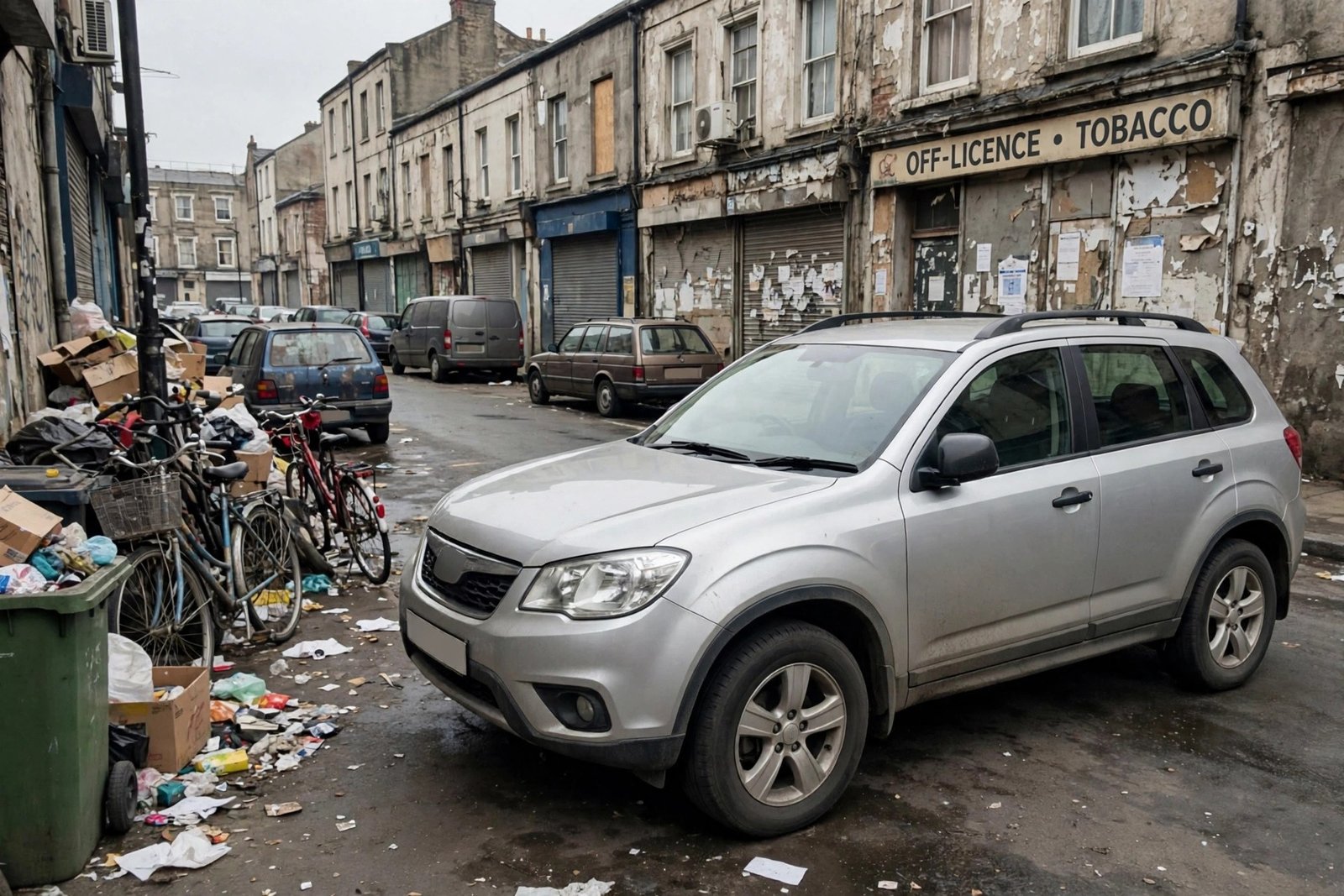
A buyer scrolling a marketplace feed sees dozens of cars in a minute, and each photo gets only a moment of attention. Most of that browsing now happens on a phone, where your car appears as one small thumbnail in a fast-moving grid of similar listings — and at that size, the background fills a large share of the picture. When the background is a busy lot — other cars, price boards, bins, a flat grey sky — the eye has to work just to find the car itself, and most buyers simply keep scrolling to the next listing.
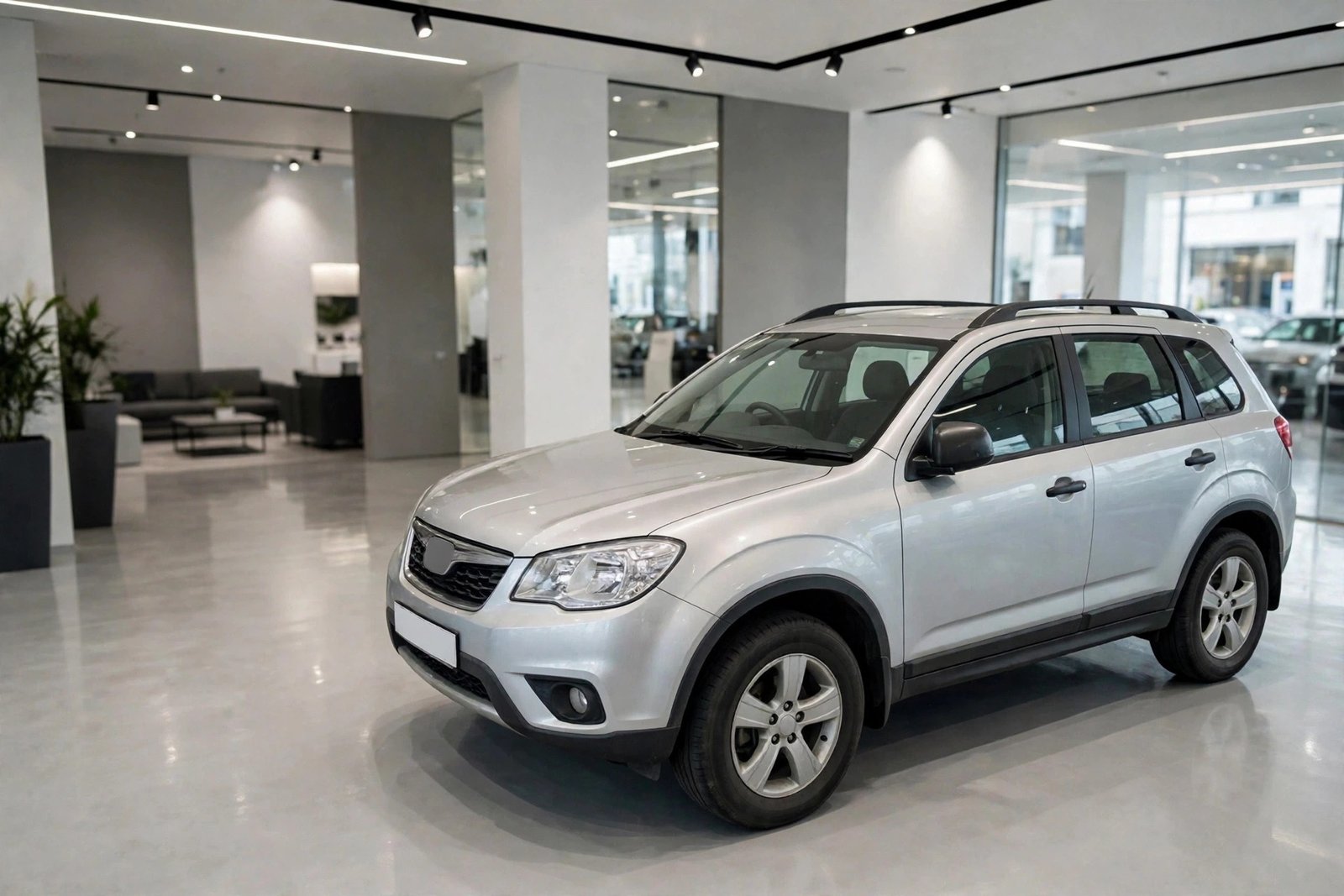
Car background replacement fixes that at the editing stage: the car is cut out cleanly and placed on a calm, studio-style background, with a natural shadow so it still looks like a photograph, not a sticker pasted on a wall. Nothing about the car itself changes — same car, same condition, honestly shown — only the setting around it stops competing for attention.
This article explains why clean backgrounds work, what a good replacement actually includes, how to choose between a finished studio background and a transparent one, and what it costs — with real before-and-after examples. Hover over each photo (or drag the slider) to compare.
The lot is not a studio
Your lot is a working yard, not a photography studio — and every listing photo taken there carries that with it. Cars parked either side, signage, fences, puddles and flat winter light all compete with the one thing you are actually selling. Even a great car photographs as ordinary when it is squeezed between two trade-ins under a heavy sky, half in shadow, with a price board reflected in its windscreen.
Buyers judge in seconds, long before they read a single specification. In that first glance, clutter reads as carelessness: if the photo looks rushed, the assumption is the car was prepared the same way. The reverse is just as true — a clean, bright, professional photo quietly signals a dealer who checks things properly, and that first signal of trust is often what earns the click through to the full listing.
A clean background removes every distraction at once, so the first thing a buyer sees is the car — its shape, its color, its condition — and nothing else. You do not need to rebuild your lot into a studio to get that effect: the studio can be added afterwards, to photos you have already taken.
From cluttered lot to clean studio look
 BEFORE
AFTER
BEFORE
AFTER
Drag the slider or move your mouse over the image to compare.
One background, every listing
A single replaced background helps one listing. The same background across your entire inventory changes how buyers see your dealership. However and wherever each car was photographed — different days, different corners of the lot, different light — every listing comes out wearing the same clean, professional look.
Marketplace search results are grids of thumbnails, several across on a desktop screen and two across on a phone. In a grid like that, a dealer whose photos all match stands out from the patchwork around them: the eye catches the pattern before it reads a single price or registration year. Buyers browsing your page see a showroom, not a car park, and that consistency quietly builds brand trust — this is a dealer who prepares cars properly.
It also makes your stock instantly recognisable when the same buyer meets your listings on a second or third marketplace, or in a saved-search email the next morning. And it works at small scale too: even a handful of cars, presented identically, looks like a carefully chosen stock list rather than a few snapshots taken between other jobs.
What a good replacement actually includes
A convincing replacement is detailed work, not a one-click cutout. It starts with the outline: the car is traced carefully at full zoom, because the edges have to stay clean around the parts that trap automated tools most — wing mirrors, antennas, roof rails and the glass, where the old background likes to show through. Cut corners there and the car looks trimmed with scissors.
Next comes the ground. A realistic ground shadow — darkest at the tyres, softening as it spreads — is what makes the car sit naturally on its new background instead of floating above it. That shadow is rebuilt to suit the new scene, because the original lot shadow rarely falls the right way once the setting has changed. Reflections in the bodywork and windows are checked at the same stage, so the car does not carry a ghost of the old yard into its new home.
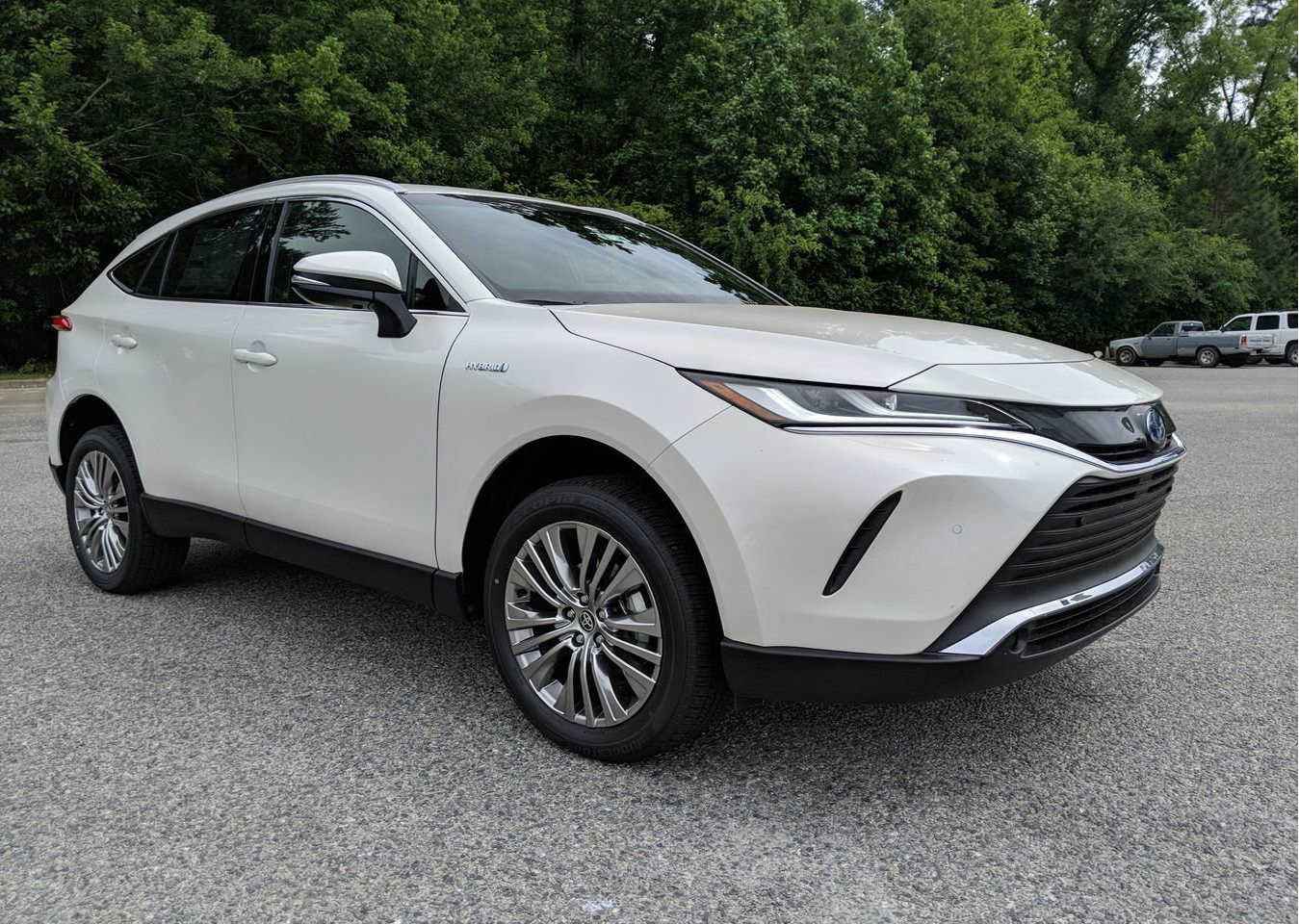
Finally, the light direction and perspective of the car are matched to the scene, and the car's own exposure and color are balanced so it belongs in the picture — bright and clean, like a freshly valeted car under studio lights, never polished past the point of looking real. And when a marketplace or your own website composites its own backgrounds, we can deliver the car on a transparent background instead, ready to drop onto any design.
Transparent background for marketplace-ready exports

 BEFORE
AFTER
BEFORE
AFTER
Drag the slider or move your mouse over the image to compare.
Studio background or transparent — which should you choose?
There are two ways to receive a cleaned-up car photo, and the right choice depends on where the photo will live. A finished studio background is a complete picture: the car already sits in a bright studio or showroom setting, ready to upload anywhere exactly as it arrives. For most dealers, most of the time, this is the right default — it looks identical on every marketplace, needs no design work at your end, and gives your whole inventory one recognisable look.
A transparent background is the car on its own, with nothing behind it at all, delivered ready to drop onto any design. Choose it when a marketplace applies its own background or frame as you upload, when your website banners and advertising templates carry branded designs the car needs to sit inside, or when your marketing uses dealer branding and text layouts that change from campaign to campaign. It is also the safer option when you are not yet sure where a photo will end up, because it can be placed on any background later.
You do not have to pick one for everything. Many dealers order the finished studio background for their everyday listings and keep a transparent version of the same cars for the website and seasonal campaigns — both versions come from the same careful cutout work, so mention it when you order and the set is prepared the way you will actually use it.
Getting the best result from your photos
Good editing starts with a usable photo, and a few small habits on the lot make a real difference. Leave some space around the car: the full car in frame, with a margin on every side, and nothing clipped — mirrors, bumpers and roof rails are exactly the details a clean cutout needs intact. If a mirror is cut off in the original photo, no editor can invent the missing piece convincingly.
A quick wash before photographing helps more than any edit can. Replacement editing can remove a background, but it should not have to remove a week of yard dust from the paintwork at the same time. Even, open light is kindest — an overcast moment or open shade avoids the harsh reflections and deep shadows of midday sun. And always send the original files from the phone or camera, not screenshots or pictures forwarded through a messaging app, which quietly shrink and soften the photo before we ever see it.
None of this needs to turn into a production. Ordinary lot photos, taken the way you already take them, are exactly what this service is built for — and if a photo has a real problem, like heavy blur or a car half-hidden behind another vehicle, we will tell you honestly rather than quietly return something that looks wrong.
What background replacement costs
Like all our editing, background removal & replacement is priced per photo, not per hour: from $0.69 per image, with transparent background from $0.49 per image. Volume discounts apply automatically — 10% off orders of 100+ photos and 20% off 500+ — and standard turnaround is 12–24 hours, so a batch photographed today can be live tomorrow.
The easiest way to judge the difference is on your own stock. Send us a few of your real listing photos through the free trial and compare the results side by side — exactly like the photos above.
See your own car transformed — free
Upload a few of your listing photos (or paste a Drive/Dropbox link) and we will replace the backgrounds free, so you can judge the difference on your own inventory before spending anything. No card, no commitment.
Start free trialCar background replacement — common questions
Will a replaced background look fake?
A careless cutout can — hard edges, a missing shadow or mismatched light give it away immediately. Done properly, with clean edges, a natural ground shadow and light matched to the scene, buyers simply read the photo as a studio shot. That is why the ground shadow and reflections are rebuilt by hand rather than left to a one-click tool. And if a photo is genuinely too poor to cut cleanly, we would rather tell you than fake it.
Can you match a specific studio/showroom style for all my listings?
Yes. Send us one background or finished listing you like — yours or an example — and we save it as your style profile: background, crop, shadow and any branding. Every future order is then edited to that same profile, so your whole inventory matches. There is no extra charge for keeping the profile, and you can change it whenever your branding changes.
What do you need from me to start?
Just the photos. Upload them in your client account, or paste a Google Drive or Dropbox link and tell us how many images it contains. Tell us the style you want (or leave it to us), whether you would like studio or transparent delivery — or both — and the edited photos come back as files or a download link within 12–24 hours.